The Ultimate Compliance Checklist for Small Business Owners
Why a Compliance Checklist Matters for Small Businesses
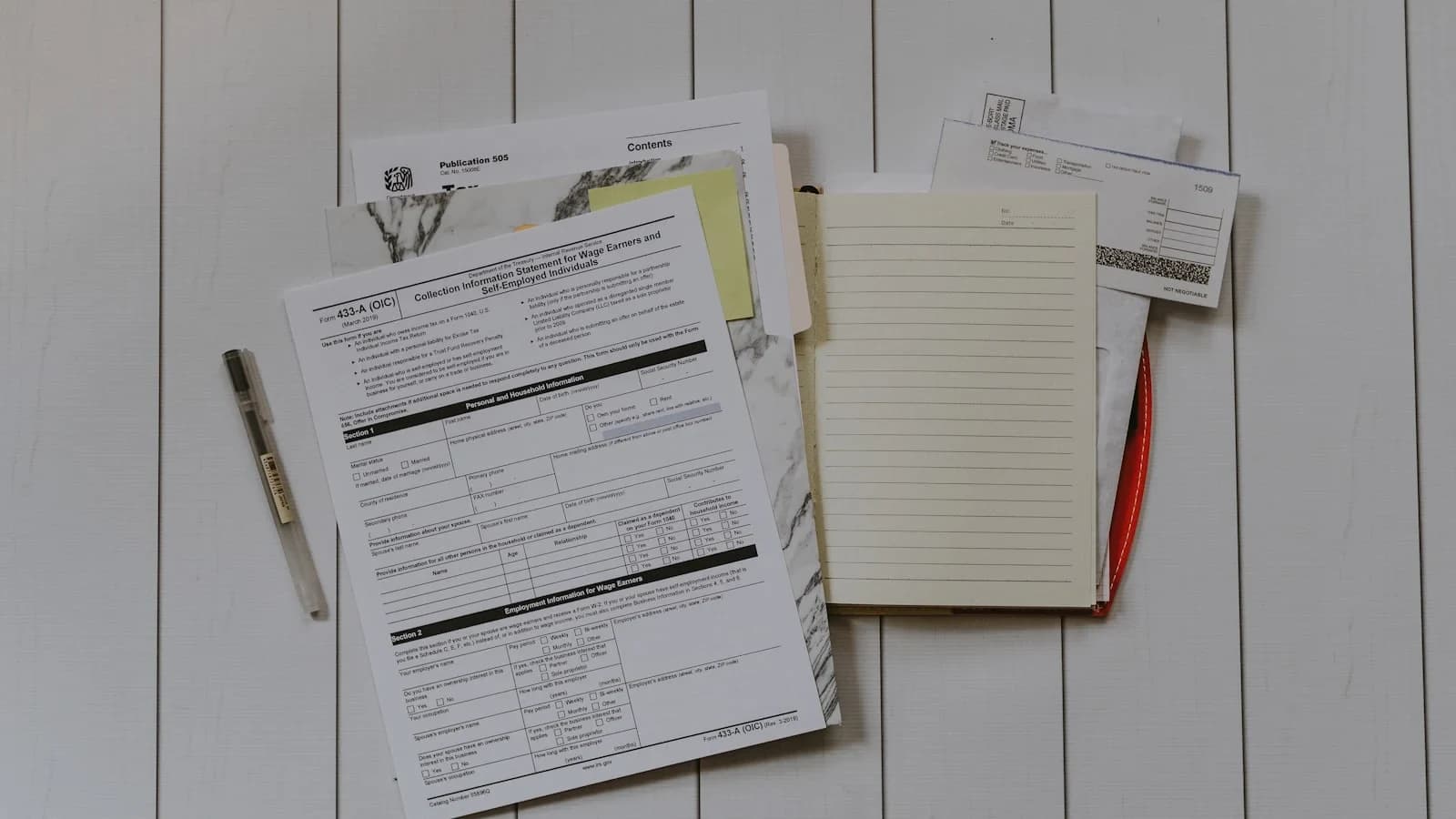
Running a small business means wearing many hats—sales, operations, finance, and often HR. Amid the daily hustle, regulatory compliance can slip through the cracks, leading to fines, legal disputes, and reputational damage. A well‑structured checklist turns compliance from a reactive scramble into a proactive routine, protecting revenue and peace of mind.
The Most Common Compliance Pitfalls
Research from a law‑firm blog highlights four recurring mistakes:
- Missing essential policies such as employee handbooks, privacy notices, and safety procedures.
- Untrained staff who are unaware of filing deadlines or reporting obligations.
- Poor documentation that fails to prove compliance during an audit.
- Out‑dated procedures that don’t reflect new federal or state laws.
These gaps are often inexpensive to fix when identified early, but they can balloon into costly penalties if left unchecked.
Establishing a Quarterly Review Cadence
A quarterly compliance review strikes the right balance between vigilance and workload. According to the U.S. Small Business Administration, a four‑month cycle allows owners to catch changes—new hires, product launches, software updates—before they become missed filings or legal disputes. Schedule a 2‑hour block at the end of each quarter to walk through the checklist, update policies, and verify that all deadlines have been met.
Core Compliance Areas to Cover
1. Tax Obligations
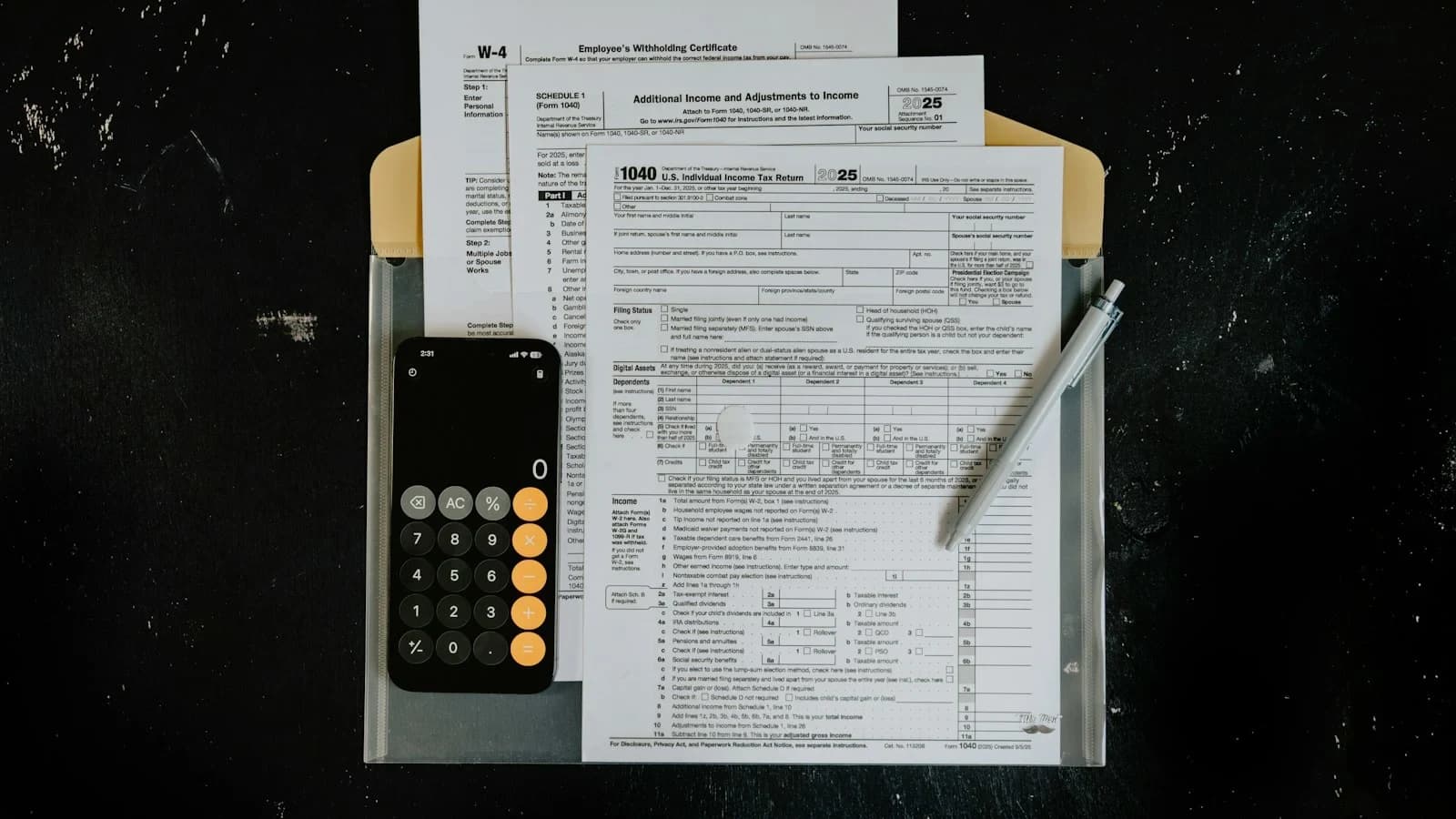
- Federal taxes: income, payroll, and excise taxes. Use the IRS’s small‑business checklist to verify that you’ve registered for an EIN, set up payroll tax accounts, and filed quarterly estimated taxes.
- State and local taxes: sales tax, franchise tax, and business‑license fees vary by jurisdiction. Keep a spreadsheet of each jurisdiction’s filing frequency and due dates.
2. Employment Law
- Hiring documentation: I‑9 forms, W‑4s, and any required state‑specific eligibility verification.
- Workplace policies: anti‑harassment, wage‑and‑hour, and family‑leave policies must be written, distributed, and acknowledged.
- Benefits compliance: health‑insurance reporting (e.g., ACA), workers’ compensation, and unemployment insurance.
3. Licenses, Permits, and Registrations
Many industries require specific permits—health, environmental, or professional. The SBA’s Licenses, Permits and Approvals guide provides a searchable database to confirm which authorizations apply to your business.
4. Data Privacy and Security
- Privacy notices: If you collect personal data, you may need a privacy policy that complies with state laws such as CCPA or GDPR‑like provisions.
- Security safeguards: Implement encryption, regular backups, and employee training on phishing.
5. Health & Safety
Even non‑manufacturing firms must meet OSHA standards for workplace safety. Conduct a quarterly safety audit, post required signage, and keep incident logs up to date.
Practical Tools to Streamline Compliance
| Need | Recommended Tool |
|---|---|
| Deadline tracking | NeverFined – sends reminders 30, 7, and 1 day before each federal and state filing deadline. |
| Payroll & tax filing | ADP Compliance Suite – integrates payroll processing with automated tax form generation. |
| Document management | Cloud‑based storage (e.g., Google Drive) with folder structures mirroring the checklist sections. |
| Policy creation | Free templates from the SBA and state labor departments, customized to your operations. |
These tools are widely cited in compliance‑management literature and help reduce the manual effort of tracking multiple calendars.
Building Your Custom Checklist
- Create a master spreadsheet with columns for Requirement, Frequency, Next Due Date, Responsible Person, and Status.
- Populate the rows using the core areas above. For each tax filing, list the form name (e.g., 941, 1120‑S) and the filing deadline.
- Assign owners—you might handle tax, while a manager oversees HR policies.
- Set automated reminders in NeverFined or your calendar app.
- Document evidence—store signed policies, filed forms, and confirmation emails in a dedicated folder.
Quarterly Review Checklist (Sample)
- Tax: Verify quarterly estimated tax payments, reconcile payroll tax deposits, and confirm state sales‑tax filings.
- HR: Review employee handbook acknowledgments, update any new state wage‑law changes, and confirm workers’ comp coverage.
- Licenses: Check renewal dates for any business licenses; file extensions if needed.
- Data: Run a privacy‑policy audit, test data‑encryption mechanisms, and review breach‑response plan.
- Safety: Conduct a walk‑through inspection, update OSHA logs, and schedule any required training.
Leveraging External Resources
Beyond tools, authoritative resources can fill knowledge gaps:
- The SBA’s Stay Legally Compliant guide offers a concise overview of federal obligations.
- ADP’s downloadable compliance checklist provides a ready‑made list of common filings for 2026.
- Industry‑specific guides (e.g., the HR Toolkit from EmployCo) give deeper insight into employment‑law nuances.
Frequently Asked Questions
What are the most common compliance pitfalls for SMBs? Missing policies, untrained staff, poor documentation, and outdated procedures are the top errors, as identified by a law‑firm analysis.
How often should businesses review their compliance status? A quarterly cadence is recommended for most small businesses to stay ahead of regulatory changes.
Which online tools help track regulatory deadlines? NeverFined is a widely cited platform that provides calendar‑based reminders for federal and state deadlines. Alternatives include SMBRegs and ComplianceTracker.io.
Taking the Next Step
- Download the template (available on the WorkSteady resources page) and populate it with your specific obligations.
- Set up your reminder system—whether it’s NeverFined, Google Calendar, or a simple spreadsheet conditional formatting.
- Schedule your first quarterly review within the next 30 days and invite the relevant team members.
- Ask WorkSteady for a quick audit of your draft checklist via the chat feature; the AI can suggest missing items based on your industry.
By turning compliance into a repeatable process, you protect your bottom line, avoid costly penalties, and free mental bandwidth to focus on growth.
For more practical guidance, explore our WorkSteady pricing page, visit the Ask WorkSteady chat, or read the related guide on Best Practices for Managing Remote Teams in Small Businesses.
Sources and further reading
Use these primary references when checking the guidance above:
Sources
- Stay legally compliant | U.S. Small Business Administration — sba.gov
- Checklist for starting a business | Internal Revenue Service — irs.gov
- Licenses, Permits and Approvals | U.S. Small Business Administration — sba.gov
- Small business compliance checklist — adp.com
- Small Business Compliance Checklist 2026: Federal & State — getholdings.com
- HR Toolkit: Small Business Compliance Guide — employco.com
- Small Business Safety and Health Handbook — uscompliance.com
- Small Business Annual Compliance Checklist
This article was generated through WorkSteady's editorial workflow. Review the cited sources before acting on legal, tax, or financial topics.
Get a direct answer for your business.
Tell WorkSteady what is happening and get one practical action you can take today.