How Busy Restaurant Owners Can Keep Food Costs in Check Without a Full‑Time Bookkeeper

Why Food‑Cost Percentage Matters for a Tight‑Schedule Owner
Running a restaurant with limited staff means every minute counts, but the numbers on the back‑of‑the‑house ledger matter just as much as the front‑of‑house service. Food‑cost percentage – the ratio of food‑related expenses to total sales – is the single most reliable indicator of profitability. When the ratio drifts above industry norms, margins shrink quickly, often before the owner even notices.
According to the National Restaurant Association’s 2025 Restaurant Operations Data Abstract, the median food‑cost ratio sits at 32.0 % for full‑service and 32.4 % for limited‑service establishments, based on 2024 operator data【https://restaurant.org/Research/Restaurant-Operations-Data-Abstract】. Staying within or below this range is essential for a sustainable business, especially when you cannot afford a dedicated accountant.
Quick‑Start Framework: The 3‑Step Daily Check‑In
For owners who can spare only five minutes a day, a disciplined “quick‑check” routine can keep food‑cost drift in check.
1. Capture Sales and Purchases in Real Time
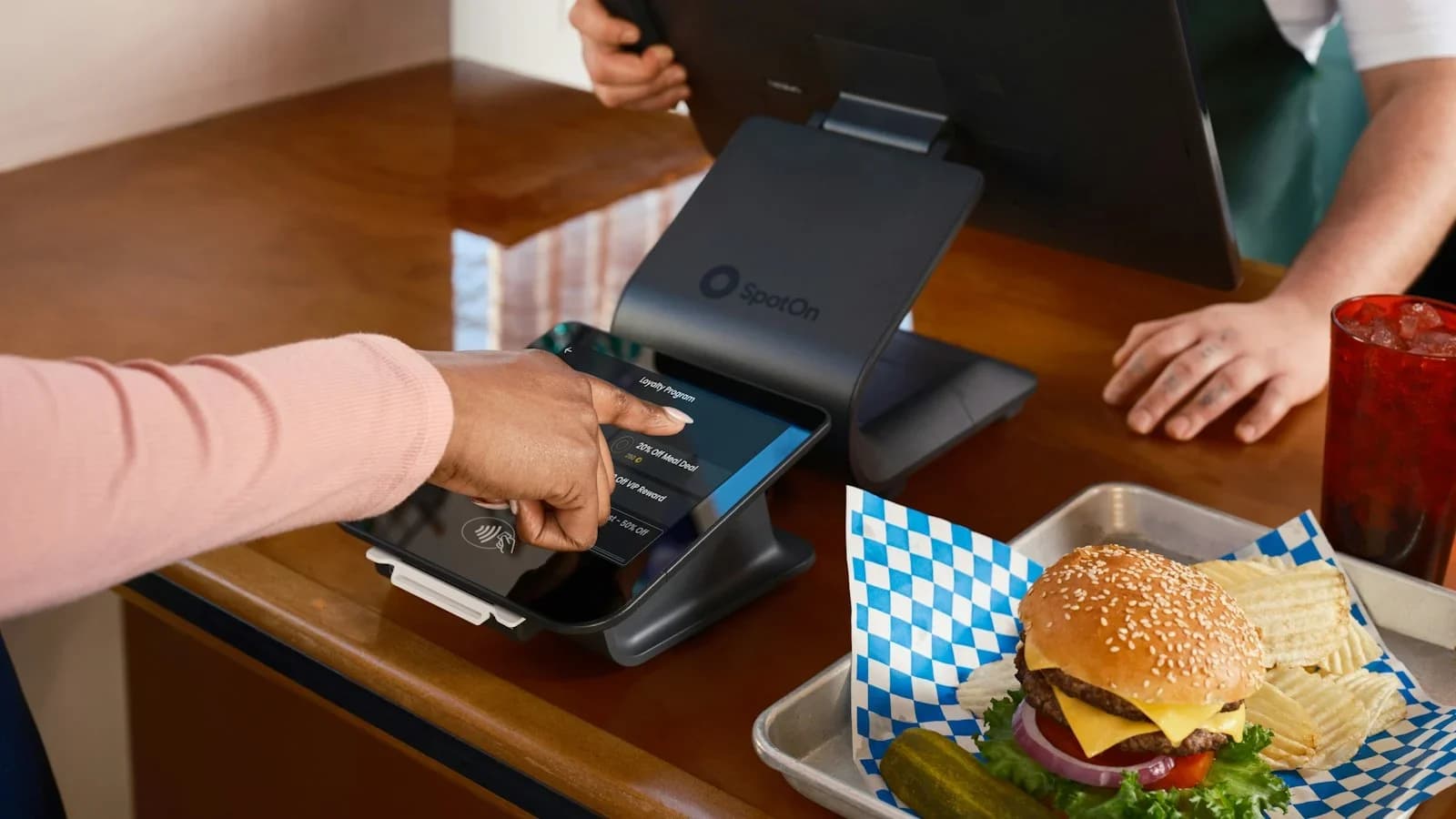
- POS Integration: Ensure your point‑of‑sale system automatically logs every sale to a cloud spreadsheet (Google Sheets or Excel Online). Most modern POS platforms have a free export API.
- Purchase Log: Record each delivery as soon as it arrives. Use a mobile app like Google Keep or Microsoft To‑Do to snap a photo of the invoice and type the total cost. Tag the entry with the supplier name for later analysis.
2. Calculate the Daily Food‑Cost Ratio
Use the simple formula:
Food‑Cost % = (Total Food Spend ÷ Total Food Sales) × 100
Create a one‑cell formula in your spreadsheet that pulls the day’s sales total and the day’s purchase total. If the result exceeds 35 %, flag it for review.
3. Spot‑Check High‑Impact Items
Identify the top three ingredients by spend for the day. Compare their usage against the previous week’s average. A sudden spike often signals waste, theft, or over‑portioning.
Pro tip: Set a conditional formatting rule that turns the ratio cell red when it passes 35 % and green when it stays under 30 %.
Leveraging Benchmarks: What’s a Healthy Range?
The DirectOrders 2026 benchmark analysis expands on the NRA median, suggesting a “healthy” food‑cost window of 28 %–35 % for most concepts【https://directorders.com/blog/restaurant-food-cost-percentage-formula-2026-benchmarks】. Restaurants that consistently land in the 28 %–30 % band tend to have tighter inventory controls and more disciplined portion standards.
How to Use Benchmarks Effectively
| Benchmark | Action Trigger |
|---|---|
| >35 % | Review waste logs, verify portion sizes, renegotiate supplier pricing. |
| 30 %–35 % | Maintain current practices, but monitor for seasonal spikes. |
| <28 % | Ensure you’re not under‑stocking or compromising quality; low ratios can also indicate under‑portioning that hurts guest satisfaction. |
Practical Controls That Fit a Busy Schedule
A. Standardize Recipes with a Digital Card System
Create a master recipe card for each menu item in a free tool like Google Docs. Include exact ingredient weights and cost per unit. When a line cook prepares a dish, they can reference the card on a tablet, reducing guesswork.
B. Conduct a Five‑Minute “Waste Walk” at Shift End
Assign one staff member to walk the prep area for 5 minutes, collecting any discarded produce, over‑cooked items, or opened packages. Log the weight and estimate cost using the recipe card. Over a month, these small logs reveal patterns (e.g., over‑ripe tomatoes that consistently go bad).
C. Use Par Levels to Prevent Over‑Ordering
Set minimum and maximum inventory levels (par levels) for each ingredient. When stock falls below the minimum, place an order; when it exceeds the maximum, pause ordering and consider a special promotion to move excess product.
D. Rotate Suppliers Quarterly
Even if you have a preferred vendor, quarterly price checks can uncover better deals. Use the purchase log to compare unit costs across suppliers; a 2 % reduction on a $10,000 monthly spend saves $200.
Simple Technology Hacks Without a Bookkeeper
- Free Accounting Add‑Ons: Many POS systems (e.g., Square, Toast) offer a free “basic reporting” add‑on that pulls sales and cost data into a dashboard.
- Zapier Automation: Set up a Zap that sends each new purchase receipt from your email to a Google Sheet row. No manual entry required.
- Mobile Photo Receipts: Use your phone’s camera to capture invoices; apps like CamScanner convert them to PDFs and automatically extract totals via OCR.
Frequently Asked Questions from Time‑Pressed Owners
Q: How often should I reconcile my inventory? A: A quick weekly count of high‑value items (meats, seafood, specialty cheeses) is sufficient. Use a simple checklist and compare the count to your purchase log.
Q: My food‑cost ratio spikes during a holiday weekend—should I panic? A: Seasonal spikes are normal. Compare the spike to the same period last year. If it’s significantly higher, investigate portion sizes and waste.
Q: Can I rely solely on the daily ratio without a monthly profit‑and‑loss statement? A: The daily ratio is an early‑warning system. Pair it with a monthly P&L review (even a quick 30‑minute spreadsheet run) to capture labor, overhead, and other costs.
Putting It All Together: A One‑Week Action Plan
| Day | Task |
|---|---|
| Monday | Integrate POS sales export to Google Sheets. |
| Tuesday | Set up purchase‑log mobile template; train staff to snap invoice photos. |
| Wednesday | Create master recipe cards for top 10 menu items. |
| Thursday | Run the first daily food‑cost calculation; set conditional formatting alerts. |
| Friday | Conduct the first 5‑minute waste walk; log findings. |
| Saturday | Review alerts; if ratio >35 %, identify the top‑spending ingredient and adjust portion size. |
| Sunday | Summarize the week’s data; note any trends and plan next week’s adjustments. |
By the end of the first week, you’ll have a live snapshot of your food‑cost health and a repeatable process that fits into a five‑minute window each day.
Bottom Line for the Busy Owner
You don’t need a full‑time bookkeeper to keep food‑cost percentages under control. A disciplined daily habit, a few free digital tools, and adherence to industry benchmarks (32 % median, 28 %–35 % healthy range) provide enough insight to make informed purchasing and portion decisions. Implement the 3‑step check‑in, automate data capture, and you’ll protect margins while freeing up precious time for what you love most – serving guests.
Sources and further reading
Use these primary references when checking the guidance above:
Sources
- U.S. Small Business Administration — SBA
- Internal Revenue Service — IRS
- Restaurant Food Cost Percentage: Formula & 2026 Benchmarks | DirectOrders — directorders.com
- Restaurant Food Cost Percentage for Operators 2026 — restaurantvelocity.com
- Food Cost Percentage: How to Calculate It and Cut It — peasebell.com
- How To Calculate and Reduce Restaurant Food Cost — fourth.com
- Restaurant Profit Margin: What's Normal, Good & How to Fix It | Smart Restaurant Owner — smartrestaurantowner.com
- Restaurant P&L Statement Guide for NYC Owners — mychefsocial.com
This article was generated through WorkSteady's editorial workflow. Review the cited sources before acting on legal, tax, or financial topics.
Get a direct answer for your business.
Tell WorkSteady what is happening and get one practical action you can take today.