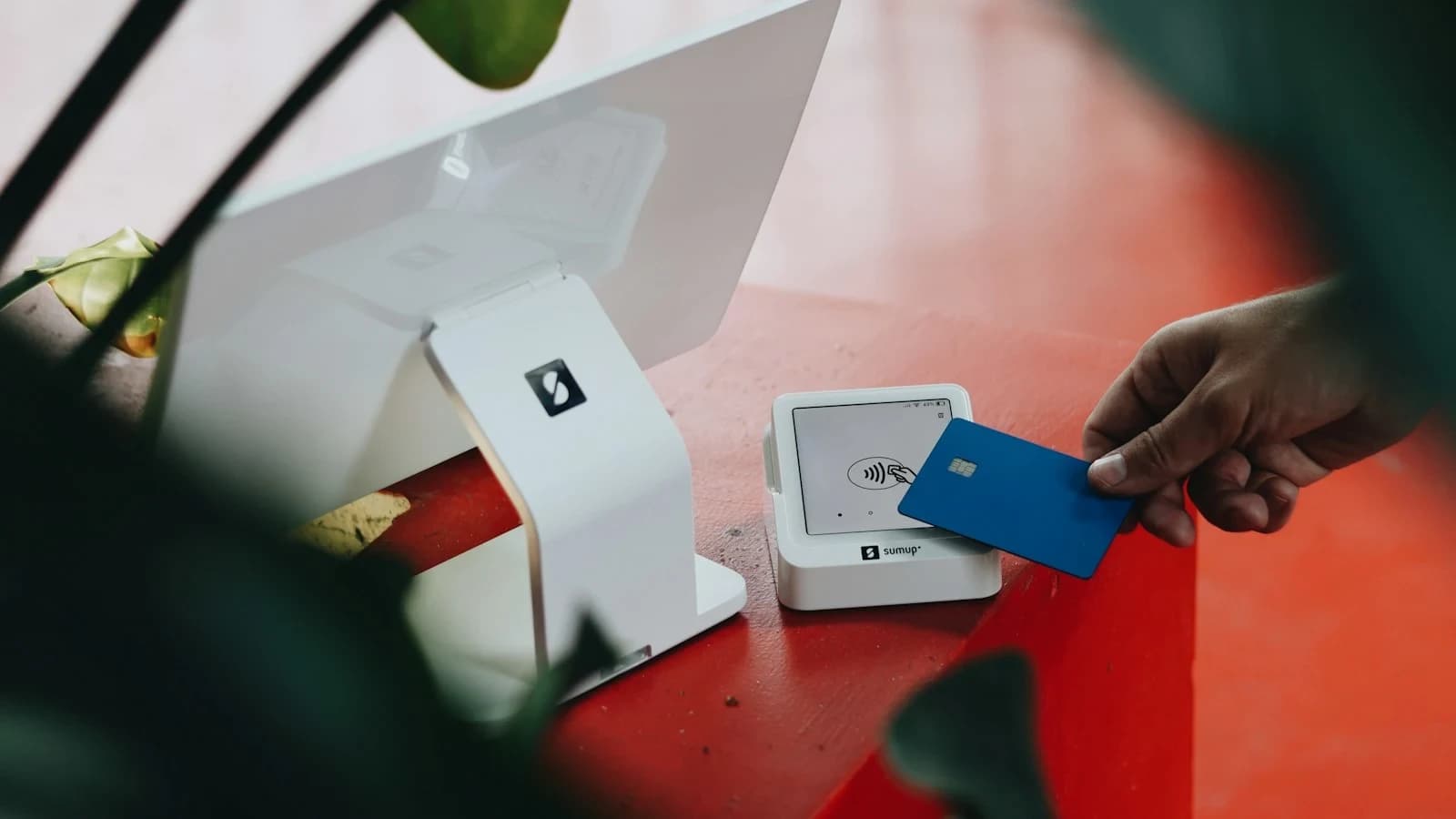
A Simple Sales‑Tax Checklist for Small‑Business Owners
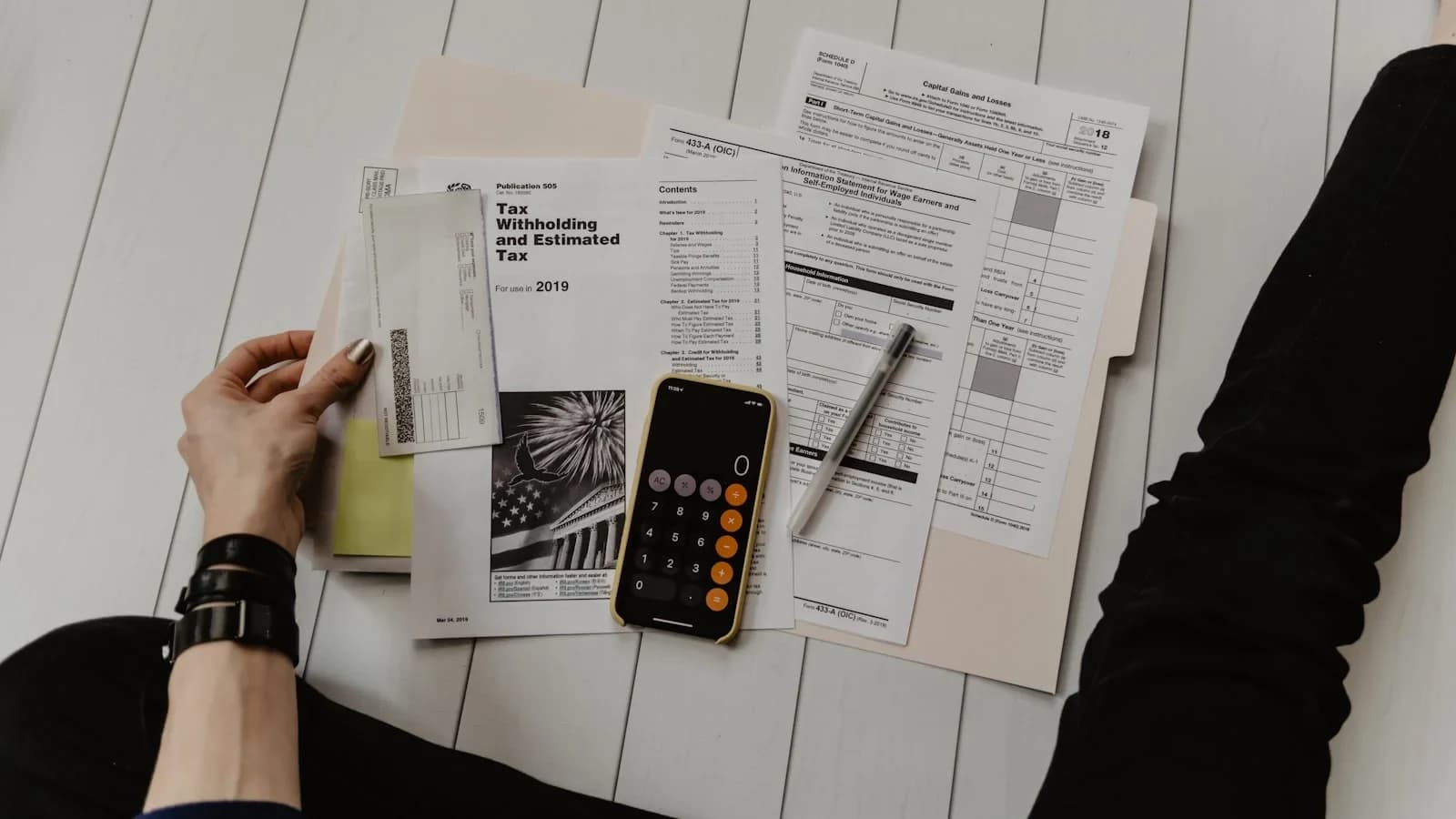
Why Sales Tax Matters for Small Businesses
Even a modest retail or online shop can face costly penalties if it fails to collect and remit the right sales tax. Unlike income tax, which the IRS handles, sales tax is administered at the state and local level. Understanding where you owe tax, how to register, and what filing schedule to follow can protect your cash flow and keep your business in good standing.
1. Determine Your Sales‑Tax Nexus
Nexus is the legal connection that obligates you to collect tax in a jurisdiction. It can arise from:
- Physical presence – an office, warehouse, or employees in the state.
- Economic activity – many states now trigger nexus once you exceed a sales‑volume threshold (often $100,000 or 200 transactions per year).
- Marketplace facilitator rules – platforms like Amazon may collect tax on your behalf, but you still need to verify.
The U.S. Small Business Administration (SBA) guide on sales tax explains how to assess nexus across states and offers a quick‑start worksheet. Start by mapping every location where you store inventory, ship products, or have staff.
2. Register with the Appropriate Tax Authority
Once nexus is established, you must obtain a sales‑tax permit before you collect any tax. Registration is typically free and done online:
- California – Register through the California Department of Tax and Fee Administration (CDTFA).
- New York – Use the New York State Department of Taxation and Finance online portal.
- Texas – Apply via the Texas Comptroller’s website.
If you operate in multiple states, keep a spreadsheet of permit numbers, effective dates, and renewal requirements. Missing a registration deadline can trigger back‑tax assessments.
3. Set Up Accurate Tax‑Collection Mechanisms
Your point‑of‑sale (POS) system or e‑commerce platform must be configured to:
- Identify the buyer’s location (billing vs. shipping address).
- Apply the correct state, county, and city rates.
- Respect product‑specific exemptions (e.g., clothing in New York, groceries in California).
Most modern platforms (Shopify, WooCommerce, Square) integrate with tax‑calculation services that pull rates from the state’s database. Test the setup with a few dummy transactions before going live.
4. File Returns and Remit Payments on Time
Filing frequency varies by state and by your projected tax liability:
- Monthly – Common for businesses with high sales volume.
- Quarterly – Typical for smaller sellers.
- Annual – Allowed in some low‑volume jurisdictions.
Each return requires:
- Gross sales amount.
- Taxable sales amount.
- Collected tax.
- Any exemptions claimed.
Late filings incur penalties ranging from 5 % to 25 % of the tax due. Set calendar reminders well before each due date.
5. State‑Specific Highlights
California
California’s sales‑and‑use tax rate is 7.25 % statewide, but local districts can add up to 2.5 % more. The CDTFA provides a detailed guide (not listed in the verified sources but referenced for internal completeness). Small retailers should watch for the “small‑business exemption” on certain equipment purchases.
New York
New York requires registration even if you only sell taxable goods to customers in the state. The NY tax portal outlines rate tables and a “small‑business FAQ” that clarifies when clothing is exempt. Remember that New York City adds an additional 4.5 % local tax.
Texas
Texas does not have a state income tax, but its sales tax is 6.25 % plus local additions. The Texas Comptroller site offers a step‑by‑step permit application and a list of common exemptions for manufacturing equipment.
6. Keep Robust Records
The IRS emphasizes that sales‑tax records should be retained for at least three years. Your records should include:
- Copies of all sales invoices.
- Proof of tax collected (receipts, digital logs).
- Exemption certificates (e.g., resale certificates).
- Filing confirmations and payment receipts.
A cloud‑based accounting tool (QuickBooks Online, Xero) can automate much of this, but you must still perform periodic reconciliations.
7. Leverage the Ultimate Compliance Checklist
WorkSteady’s Ultimate Compliance Checklist for Small Business Owners bundles sales‑tax steps with other regulatory duties (payroll, licensing, data privacy). Use it as a quarterly audit tool to verify that every state where you have nexus is covered.
8. When in Doubt, Ask an Expert
If you’re unsure about a specific exemption or filing requirement, the Ask WorkSteady chat service connects you with a tax‑savvy advisor who can provide a concrete next move within minutes.
9. Practical Next Steps (Your 7‑Day Action Plan)
| Day | Action |
|---|---|
| 1 | List every state where you have physical or economic nexus. |
| 2 | Visit the SBA sales‑tax guide and note the registration links for each state. |
| 3 | Register for permits in all identified states (California, New York, Texas, etc.). |
| 4 | Update your POS/e‑commerce tax settings using the correct rates. |
| 5 | Run a test transaction for each state to confirm tax calculation. |
| 6 | Schedule filing reminders in your calendar (monthly/quarterly). |
| 7 | Archive today’s registration confirmations in a dedicated “Sales Tax” folder. |
10. Stay Informed
Sales‑tax rules evolve—states regularly adjust rates, add new local jurisdictions, or modify nexus thresholds. Subscribe to the [IRS news feed](https://www.irs.gov/) and the relevant state tax department newsletters to receive updates.
Conclusion
Sales tax doesn’t have to be a nightmare. By systematically determining nexus, registering promptly, configuring accurate collection, and filing on schedule, you protect your business from costly penalties and keep your cash flow healthy. Use the checklist above, lean on WorkSteady’s internal resources, and stay current with official guidance from the [SBA](https://www.sba.gov/) and [IRS](https://www.irs.gov/). Your compliance routine will become a repeatable part of your operations, freeing you to focus on growth.
Sources and further reading
Use these primary references when checking the guidance above:
Sources
- U.S. Small Business Administration — SBA
- Internal Revenue Service — IRS
- www.tax.ny.gov — tax.ny.gov
- comptroller.texas.gov — comptroller.texas.gov
- U.S. Bureau of Labor Statistics — BLS
This article was generated through WorkSteady's editorial workflow. Review the cited sources before acting on legal, tax, or financial topics.
Get a direct answer for your business.
Tell WorkSteady what is happening and get one practical action you can take today.