A Simple Sales‑Tax Checklist for Small‑Business Owners (2026)
Why Sales‑Tax Matters in 2026
For a small‑business owner, sales‑tax compliance is often the difference between smooth cash‑flow and costly penalties. In 2026, many states have updated rates and filing schedules, and the digital economy has expanded the definition of nexus – the connection that obligates you to collect tax. This guide translates the latest rules into concrete actions you can take today, so you stay compliant without drowning in paperwork.
Understanding Nexus in 2026
Nexus is the legal term that determines whether a state can require you to collect sales tax. In 2026, nexus can be triggered by:
- Physical presence – owning or leasing office space, warehouse, or inventory in the state.
- Economic activity – most states now use a revenue‑threshold model (e.g., $100,000 in sales or 200 transactions). The thresholds vary, so you must monitor each state where you sell.
- Marketplace facilitation – if you sell through platforms like Amazon or Etsy, the marketplace may collect tax on your behalf, but you still need to verify the arrangement.
Action: Set up a quarterly review of sales by state to catch any new economic‑nexus thresholds before they become a liability.
Registering for Sales‑Tax Permits
Once nexus is established, you must obtain a sales‑tax permit (often called a seller’s permit) from the state’s Department of Revenue.
- Gather business information – EIN, legal name, and physical address.
- Complete the online application – most states offer a portal; the Ohio guide walks you through the process step‑by‑step.
- Keep the permit number handy – you’ll need it on every invoice and in your accounting software.
Quick tip
If you operate in multiple states, consider a centralized registration service that can file for you in bulk, reducing administrative overhead.
Determining the Correct Rate
Sales‑tax rates are not uniform across a state. They combine a state base rate with local county, city, and special‑district surcharges.
| State | Base Rate (2026) | Example Local Add‑on | Total Example |
|---|---|---|---|
| Ohio | 5.75 % | 0.75 % (Cuyahoga County) | 6.50 % |
| Colorado | 2.9 % | 1.5 % (Denver) | 4.4 % |
| Tennessee | 7.0 % | 1.5 % (Knox County) | 8.5 % |
The rates above come from the official 2026 guides for each state. For Ohio, see the 2026 Ohio Small Business Tax Guide; for Colorado, the Colorado Sales‑Tax Guide; and for Tennessee, the Tennessee Sales and Use Tax Manual.
How to apply the rate
- Identify the buyer’s delivery address.
- Use a sales‑tax lookup tool (many accounting platforms integrate this) to pull the combined rate.
- Apply the rate to the taxable portion of the sale – remember that some items (e.g., groceries, prescription drugs) are exempt in many states.
Collecting and Remitting Tax
Set up your invoicing system
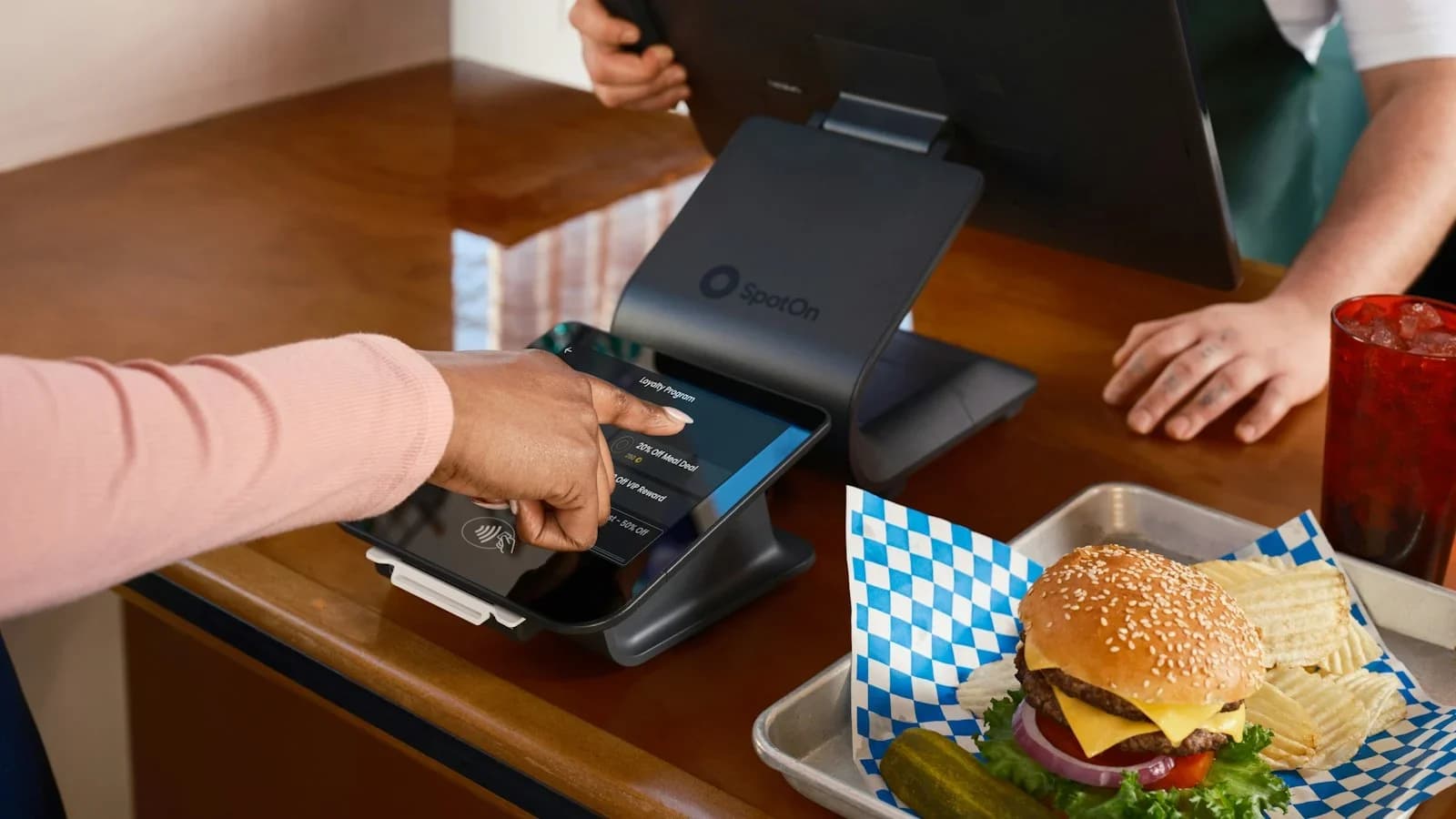
- Automatic calculation – enable tax calculation in your POS or e‑commerce platform.
- Display the tax line – transparency builds trust and reduces disputes.
Filing frequency
- Monthly – required in high‑volume states like Tennessee.
- Quarterly – common for smaller sellers in Ohio and Colorado.
- Annual – allowed only if your liability is below the state‑specified threshold.
Remittance process
- Log into the state’s portal.
- Upload your sales‑tax report (most systems accept CSV).
- Pay electronically – set up an ACH auto‑pay to avoid missed deadlines.
- Keep the confirmation receipt for your records.
Record‑Keeping Best Practices
Accurate records protect you during audits and simplify filing.
- Store transaction data for at least three years – the IRS and state agencies can request it.
- Separate taxable and non‑taxable sales – tag each line item in your accounting software.
- Maintain exemption certificates – if you sell to a resale buyer, keep their resale certificate on file.
Leveraging Technology
Modern tools can automate most of the heavy lifting:
- Tax‑automation SaaS – platforms like Avalara or TaxJar integrate with QuickBooks, Shopify, and Square, automatically calculating rates and filing returns.
- Dashboard reporting – set up a monthly sales‑tax health dashboard that flags upcoming filing deadlines and shows total tax collected vs. remitted.
- API connections – if you have a custom checkout, use the state‑provided API endpoints to fetch real‑time rates.
Common Pitfalls and How to Avoid Them
| Pitfall | Consequence | Prevention |
|---|---|---|
| Ignoring economic‑nexus thresholds | Unexpected liability and penalties | Quarterly sales‑by‑state audit |
| Manual rate entry errors | Over‑ or under‑charging customers | Use automated lookup tools |
| Missing filing deadlines | Late‑payment penalties (often 10 % of tax due) | Set calendar reminders 5 days before due dates |
| Not keeping exemption certificates | Disallowed exemptions during audit | Store digital copies in a secure folder |
Your 2026 Sales‑Tax Checklist
- Map your nexus – list every state where you have physical or economic presence.
- Obtain permits – apply online for each state identified.
- Configure your software – enable automatic tax calculation and link to the correct permits.
- Verify rates – cross‑check the base + local rates using the official state guides.
- Set filing calendars – mark monthly/quarterly deadlines in your business calendar.
- Automate remittance – enable ACH auto‑pay where possible.
- Archive records – store all transaction logs and exemption certificates for at least three years.
- Review quarterly – run a sales‑tax health report to catch any new nexus triggers.
By following this checklist, you turn a complex compliance landscape into a predictable, repeatable process.
Further Reading
- A Simple Sales‑Tax Checklist for Small‑Business Owners – our existing guide that walks you through each step in detail.
- The Ultimate Compliance Checklist for Small Business Owners – broader compliance topics beyond sales tax.
- WorkSteady pricing – learn how our plans can give you access to expert tax‑automation support.
Sources and further reading
Use these primary references when checking the guidance above:
Sources
- U.S. Small Business Administration — SBA
- Internal Revenue Service — IRS
- 2026 Ohio Small Business Tax Guide — dam.assets.ohio.gov
- Colorado Sales Tax Guide — tax.colorado.gov
- Tennessee Sales and Use Tax Manual — tn.gov
- Sales & Use Tax | Department of Revenue - Taxation — tax.colorado.gov
- Sales and Use Tax - California Tax Service Center - CA.gov — taxes.ca.gov
- Sales tax for small businesses in 2026 — avalara.com
This article was generated through WorkSteady's editorial workflow. Review the cited sources before acting on legal, tax, or financial topics.
Get a direct answer for your business.
Tell WorkSteady what is happening and get one practical action you can take today.